Dallas, TX
manufacturing software · dallas

Production Tracking Software for Dallas–Fort Worth Shops and Plants

Most production meetings start with someone walking the floor to find out where jobs are. Oak Cliff Software builds production tracking software for shops and plants across Dallas–Fort Worth so status is logged where the work happens.

3 min read · 4 sections · 3 answers

Live status

Everyone sees the same board.

Honest promise dates

Sales checks the board first.

Holds get cleared

Reasons and owners on every hold.

Automatic reports

Shift reports build themselves.

Operators record starts, completions and holds in a scan or a tap. Supervisors, schedulers and sales all see the same live board.

01

Logging at the station in seconds

We design station screens with the operators who use them: scan the traveler, tap start, tap done. A hold takes one more tap and a reason. Screens keep working if the shop Wi-Fi drops.

  • Start, pause and complete
  • Good and scrap quantities
  • Holds with a reason
  • Next job in the queue
02

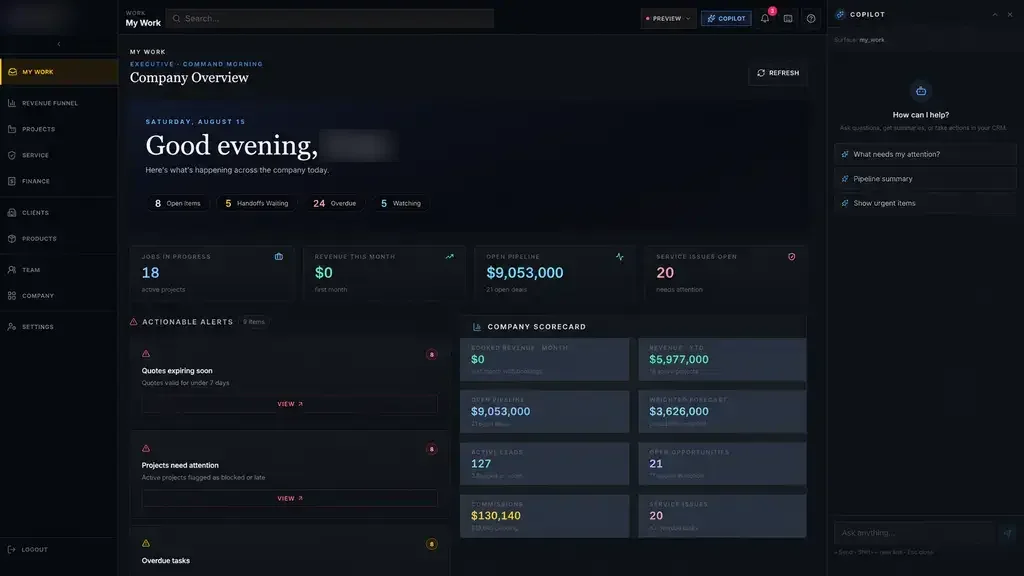
A live board instead of a whiteboard

Every open job by work center, with late and held jobs at the top. Sales checks the same board before promising a date.

// how production tracking software flows
  1. 1 Job released
  2. 2 Operation started
  3. 3 Hold or complete
  4. 4 Next station
  5. 5 Job finished
03

Holds that get cleared

Each hold records a reason, such as material, quality, machine or engineering, and goes to the person who can fix it. If it stays held too long, their supervisor is alerted.

TodayWith production tracking software

✕Whiteboard updated once a day

✓Live board from the floor

✕Holds noted on paper

✓Holds assigned with alerts

✕Scrap found at month end

✓Scrap logged at the station

04

Shift reports without spreadsheets

Completed operations, cycle times, scrap and rework roll up by station and shift. Where machines expose data, we can connect them.

The system handles

  • Updating the board from the floor
  • Flagging jobs past their due date
  • Rolling up shift reports

Your people decide

  • Resequencing work
  • Clearing holds
  • Quality decisions
your first release

What a first production tracking software release includes

A focused starting point, shaped with your team in Discovery and adjusted to how your Dallas team works. Then we build on it.

  1. Discover
  2. Design
  3. Build
  4. Launch
  5. Optimize
Plan your first release →
release planProduction Tracking Software · v1.0Ready to scope
  • Station screens designed with operators01
  • Live production board02
  • Hold reasons, owners and alerts03
  • Shift and throughput reports04
  • ERP and machine connections where available05
  • Handover runbook and owner register06
Then: connect more tools, add automation and AI as your team is ready.
in practice

What production tracking software looks like day to day

Illustrative scenarios, not client stories.

A machine shop in Garland

Picture tablets at each work center. When a job stops for a missing part, the hold goes to purchasing, and the board shows it in red until it moves.

Build something like this →Every system is shaped around your own process.
faq

Production Tracking Software: questions we hear

Still unsure? Ask us directly.

Will operators use it?

If it is fast. We design screens with them so each step is a scan or a tap.

Can it connect to our machines?

Where machines expose data, yes.

Who owns the software?

You do. The code, the data and the documentation are yours after launch.

Start with the problem. We'll build the possibility.

Tell us what slows your team down. We'll map it with you and suggest a useful first release, whether you're in Dallas or anywhere in Dallas–Fort Worth.